← Back to All Guides
A free guide by Lauren Dallas Instagram

The "Actually Finish Your E-book" AI Kit

You know that e-book you keep saying you'll create "when things calm down"? Let's give it a better plan than that. This kit will help you turn something you know into a focused, useful e-book - with ChatGPT helping you organise and draft the content, and Canva helping you bring it to life. You bring the experience, examples and point of view. AI helps you get past the blank page. We're keeping this practical: one reader, one problem, one useful result. Nobody needs your entire brain in a 97-page PDF.

Before you start: give your e-book a job.

A topic is a starting point. A specific outcome gives your reader a reason to open the guide. "An Instagram guide" is broad. "Plan your next seven posts without starting from scratch every morning" tells someone what they'll get.

Fill this in: "I'm helping [specific person] go from [current struggle] to [realistic outcome] using [my approach]."

Then gather your own notes, tips, questions you're regularly asked, and examples you have permission to use - you don't need a huge content library, just a few useful ideas with enough detail to teach them. Use the prompts below in order, replace anything in square brackets before you paste, and keep working in the same ChatGPT conversation so it has your context.
Step 1

Get The Idea Out Of Your Head

Use this in ChatGPT. Before asking AI to write anything, get clear on what you can actually help someone do - otherwise you'll end up with a very polished guide to absolutely everything.
Copy + paste prompt
"Help me develop a focused e-book idea based on my own knowledge and experience. My audience: [who they are and their experience level]. A problem they regularly face: [specific problem]. What I can teach from experience: [skills, process, lessons or approach]. My notes and examples: [paste your own material]. First, ask me up to five questions to fill any important gaps. Wait for my answers before suggesting ideas. Then suggest three focused e-book concepts. For each, include a working title, the reader's starting point, one realistic outcome, what I would teach, and what should stay outside its scope. Recommend the concept best supported by the material I've provided. Explain what information is still missing. Don't claim an idea has proven demand or will make money without evidence. Wait for me to choose a concept before continuing."
Your move
Choose the idea you can teach well. If it needs more examples, gather those before moving on.
Step 2

Turn The Idea Into A Useful First Draft

Use this in ChatGPT. We want a reader who knows what to do next - not someone who closes the PDF thinking, "Lovely. Still confused."
Copy + paste prompt
"Help me outline and draft the e-book concept I selected: [chosen concept]. The reader is: [specific audience]. By the end, they should be able to: [one realistic outcome]. My source material: [paste your own notes, process, examples and relevant content]. Aim for a concise guide of approximately [1,500–2,500] words, prioritising useful teaching over length. First, create an outline with a short introduction, three to five sections in a logical sequence, a practical exercise or checklist, and a closing action plan. Each section should move the reader closer to the stated outcome. Show me the outline and wait for approval. Once I approve it, draft one section at a time and wait for feedback before continuing. Include a clear explanation, specific steps, a relevant example and one action the reader can take. Write in plain, conversational English. Keep paragraphs short. Explain unfamiliar terms. Avoid repetitive introductions, filler, exaggerated promises and generic motivational advice. Use my material as the foundation. Ask for missing details rather than inventing my experience, results, testimonials or research. Label hypothetical examples clearly. Flag factual claims that need checking. Write fresh wording. Don't reproduce another creator's guide or imitate their distinctive language."
Your move
Read each section. Add the detail AI can't know - the mistake you made, the example that explains it, or the way you actually do this yourself.
Step 3

Make It Sound Like An Actual Human - You

Use this in ChatGPT. If you wouldn't say "unlock your limitless potential" to a friend over coffee, it probably doesn't belong in your e-book. This is where you add personality and check that the advice is useful enough to follow.
Copy + paste prompt
"Edit my e-book so it sounds like me and is easier for the intended reader to use. Audience and intended outcome: [details]. Three examples of my own writing: [paste captions, emails or other original writing]. Words or phrases I would never use: [list]. Draft: [paste the draft]. First, briefly identify the voice characteristics in my writing samples. Then edit the draft using those characteristics without copying whole phrases unnecessarily. Keep my meaning, personality and useful detail. Replace vague advice with clearer instructions where my material supports them. Remove repetition, filler, jargon and unsupported promises. Keep humour natural and occasional. Don't invent stories, credentials, statistics or results. Mark places that need a personal example with [ADD YOUR EXAMPLE]. Mark claims needing verification with [CHECK THIS CLAIM]. Return the edited draft, followed by a short list of questions or gaps I need to resolve. Finish with a reader checklist of five to seven concrete actions drawn from the guide itself. Don't introduce new teaching in the checklist."
Your move
Resolve every placeholder and check the facts. Read a page aloud - if it sounds like someone giving a corporate keynote, have another pass.
Step 4

Give Your Words A Home In Canva

Use this in Canva AI. The aim is a guide people can comfortably read and use - a beautiful cover can't carry seven pages of tiny text. Use the prompt below as a design starting point; AI output can vary, so check what Canva creates and adjust the layout yourself. If it produces a concept rather than a complete editable document, use that direction to build your pages in an e-book template.
Copy + paste prompt
"Create a clean, editable e-book design for a practical guide called [title], by [name or brand]. Audience: [who it is for]. Design mood: [for example: warm, confident, playful and modern]. Brand colours: [hex codes]. Preferred fonts or style: [details]. Format: A4 portrait, designed for comfortable digital reading. Create a consistent visual system with a cover, welcome page, section pages, practical exercise pages, a reader checklist and a closing page. Use clear heading hierarchy, readable body text, generous spacing and strong text contrast. Use no more than two font families. Include simple callout styles for 'Try this,' 'Example' and 'Your next step.' Keep decoration light and useful. Give exercises enough room for responses. Here is the final approved content, separated into sections: [paste content]. Preserve the wording and sequence. Don't add claims, testimonials or invented content. Let sections span multiple pages when needed rather than shrinking the text to fit. Keep text editable where supported and avoid generating body copy inside images. If you cannot produce the full document in this mode, create representative layouts for a cover, teaching page and worksheet, with matching style guidance for the remaining pages."
Your move
Check every page against your approved copy. Look for missing paragraphs, odd line breaks and cramped text. Open the exported PDF on your phone as well as your laptop.
Step 5 (Optional)

Help Your Reader Actually Use It

Use this in ChatGPT. A worksheet can make your guide more useful than another page of advice. Include one if it helps someone apply what you've taught.
Copy + paste prompt
"Using my final e-book below, create a one-page companion worksheet that helps the reader apply its main lesson. Final e-book: [paste content]. Choose one meaningful task directly connected to the guide's promised outcome. Include a short instruction, three to five focused questions or fill-in fields, and one clear next action. Keep it specific to this guide. Don't repeat the whole e-book, introduce a new framework or add sales copy. Suggest a simple Canva layout with enough room to write."

The "yes, it's ready" checklist

  • It's clear who the guide is for and what it helps them do
  • The advice is specific enough to act on
  • Your experience and examples are accurately represented
  • You've checked facts, removed unsupported claims and resolved placeholders
  • The writing sounds like you
  • The exported PDF is readable, complete and has working links
  • Someone in your intended audience has tried it, with you addressing where they got stuck
You don't have to keep adding pages to make it valuable - help your reader do the thing you promised.
Real Talk

You've made the e-book. Now give it a plan.

Getting your knowledge into a finished PDF is a lovely feeling - especially when it's been living in your Notes app for six months. But creating the product is one part of the process. Working out how to position it, build your sales page and launch it is the next.

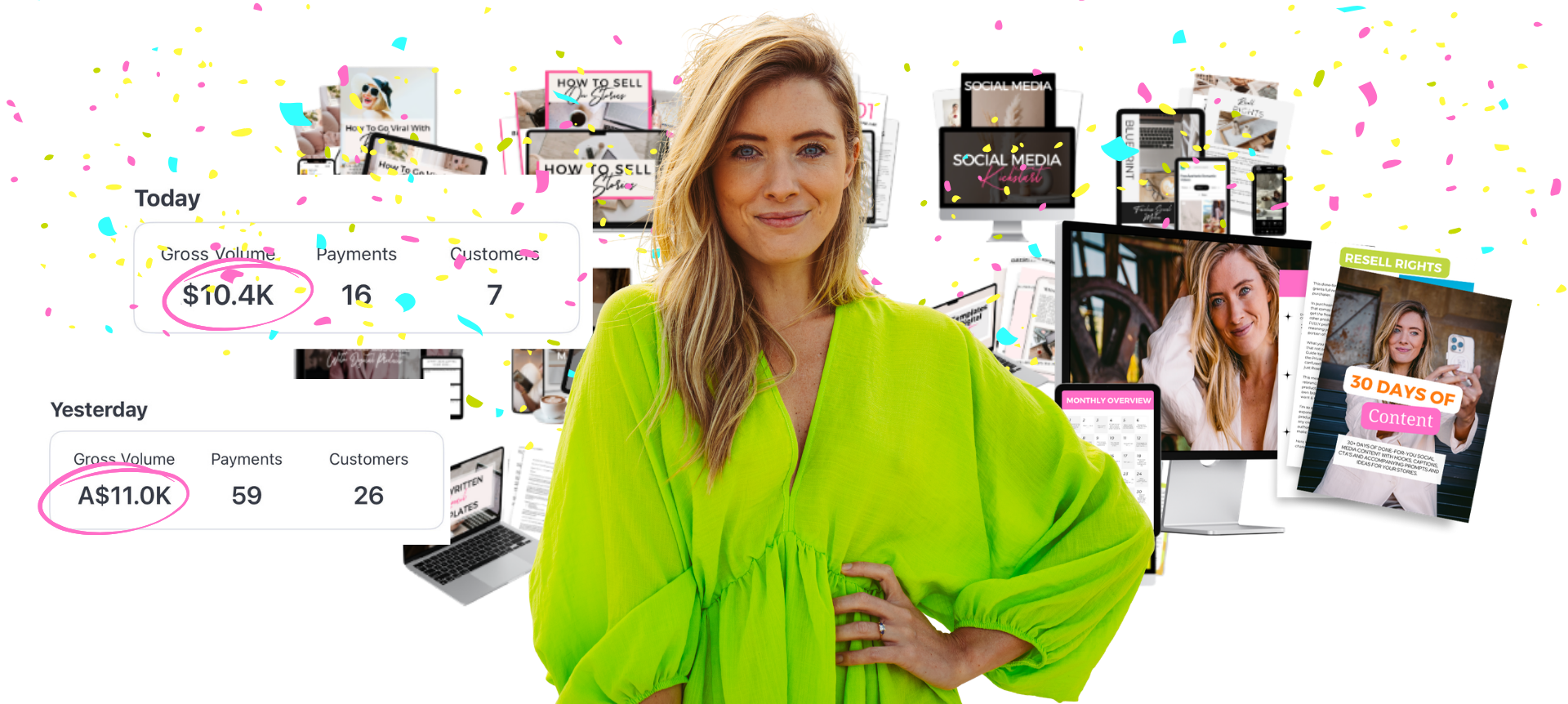
That is part of what I teach in my training on how I made $10.5K in 4 days from a brand new Instagram account and you can watch it for free below. 👇
Free Training

Learn How I Made $10.5K In 4 Days From A Brand New Instagram Account

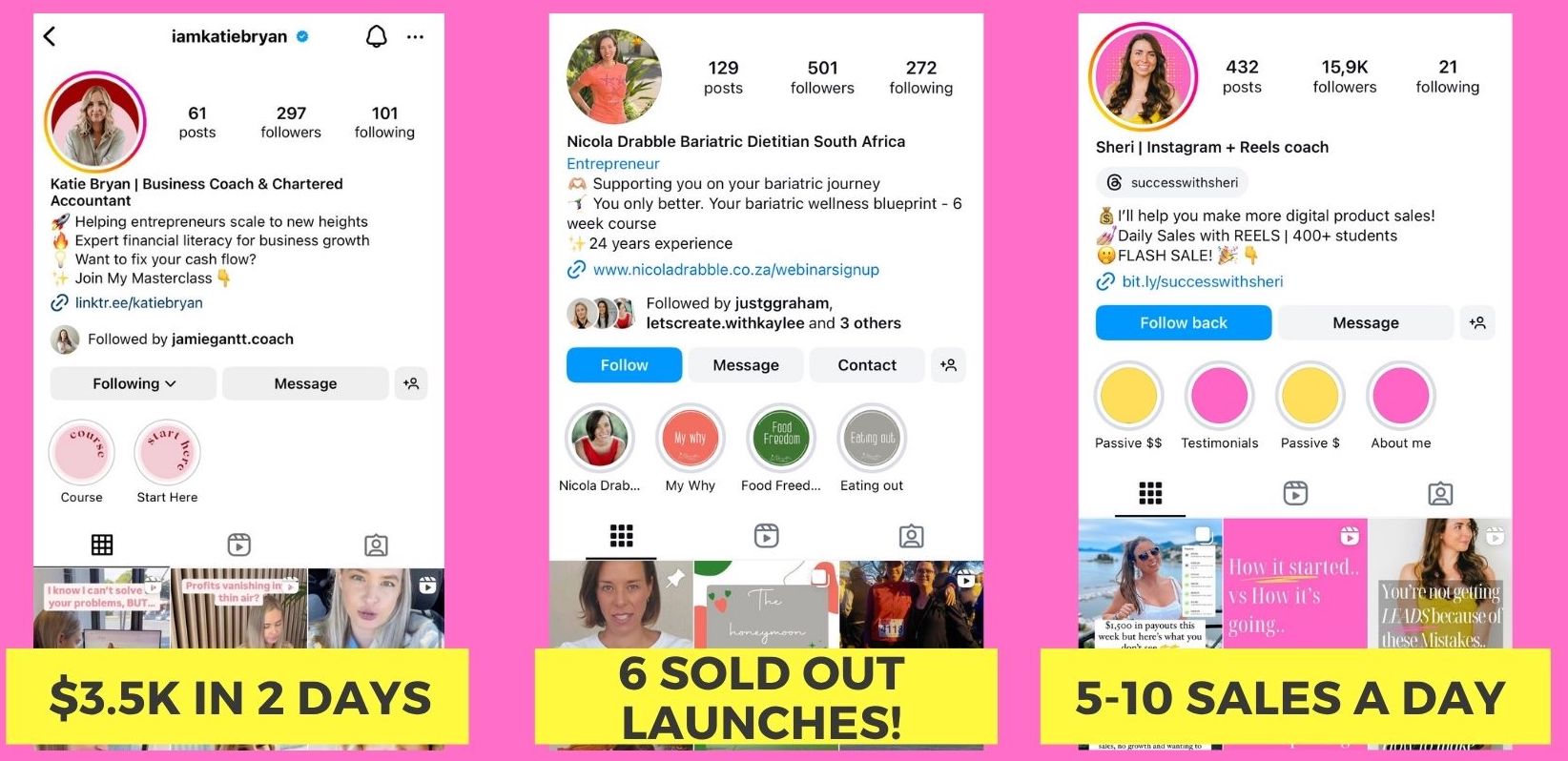
The exact system you can copy to make daily sales with a digital product. A free live training revealing the steps that have helped complete beginners make $3.5K in 2 days, $18K in a first launch, and $185K in 6 months — without a big following, paid ads, or hours of daily content.

You'll walk away with:
✔ The 4-step ZAPO process to find a profitable niche people are already paying for, even in a crowded market
✔ How to create your digital product and sales page in minutes using AI, no tech skills or big budget needed
✔ The 4-step launch strategy to make your first sales online, even with no audience
✔ The exact Pre-Launch → Launch → Scale system to go from your first sale to consistent $10K+ months
Webinar preview
Real Results ★

You don't need a big following to get big results
Student results
© 2026 Lauren Dallas Creator Hub · Free Content