← Back to All Guides
A free guide by Lauren Dallas Instagram

The 48-Hour Digital Product Sprint: From "What Could I Even Sell?" To A Validated Product

You do not need a huge audience, a perfect brand or months of free time to create your first digital product. You need a clear problem, a useful solution and a simple path from idea to sale. The goal of this sprint isn't to create the biggest product possible — it's to create the smallest, clearest solution someone would happily pay for.

Person + Problem + Promise + Shortcut = Product

Solve one specific problem. Validate before you spend hours creating. Useful beats complicated. Launch version one before you try to perfect version ten. Use AI to speed up the work, not to replace your point of view. By the end of this sprint, you should have a validated idea, a clear offer, a product outline, the finished first version, a price, a place to sell it and a simple launch plan.
Step 1

Find Your Sellable Skill

Start with what you already know. Your first product doesn't need to come from a groundbreaking idea - it can come from a problem you've already learned how to solve. Ask: what do people regularly ask you for help with? What have you figured out that used to feel difficult? What process, template, checklist or shortcut do you use repeatedly? What could you teach clearly in 30-60 minutes? Write down 10 ideas without judging them, then circle the three that solve the clearest problem.
AI prompt
"Here are 10 skills, experiences or topics I know well: [paste list]. Give me 15 specific digital product ideas. Each idea should solve one clear problem for one specific type of person. Avoid broad or generic ideas."
Step 2

Find The Problem People Will Pay To Solve

A pretty PDF is not the product - the result it helps someone get is the product. Run the problem test: is it specific enough to explain in one sentence? Are people already searching, asking or complaining about it? Does solving it save time, money, effort or frustration, or help someone make progress toward something they really want? Would someone understand the value without a five-minute explanation?
Key Rule
Don't ask "what can I make?" Ask "what do people already want solved?"
Step 3

Validate Before You Create

Before opening Canva, look for proof that your problem exists in the real world. Spend 30 minutes searching Reddit for questions and frustrations around the problem, searching TikTok and Instagram for high-performing posts and reading the comments, using Google autocomplete to see how people phrase the problem, and looking at existing products and reviews to see what buyers love, dislike or still wish existed. Green lights: the same question keeps appearing, people are already buying adjacent solutions, comments contain phrases like "I need this" or "where can I find…", and you can clearly describe who it's for and the outcome they want.
Step 4

Build The Offer

Turn the validated problem into an offer that feels easy to understand: "I help [person] get [result] without [frustration] using [shortcut]." Then choose the simplest format that can genuinely deliver the promised result - a checklist when the customer needs a process, a template when they need something done faster, a workbook when they need guidance plus action, a guide when they need a clear method, a mini-course when demonstration matters, or a prompt pack when AI can accelerate a repeatable task.
Step 5

Use AI To Build Version One

Create the structure before worrying about design.
Outline prompt
"Create a concise digital product outline for [audience] who wants [result]. The product should help them solve [specific problem] using [method]. Keep it practical, action-focused and beginner-friendly. Remove anything that does not directly help them reach the result."
Writing prompt
"Write this section in a warm, conversational and practical tone. Use short explanations, examples and clear action steps. Do not add filler. End with one task the reader should complete before moving on."
Name prompt
"Give me 15 product names for this offer. Prioritize clear outcomes and specificity over clever wording. Include a mix of direct, curiosity-led and transformation-led titles."
Important: edit everything. Add your examples, experience, opinions and voice so the final product is genuinely yours.
Step 6

Canva → Price → Checkout

Your product only needs to look clear, trustworthy and easy to use - it doesn't need 100 pages. Build a simple cover and consistent page style, make headings and action steps easy to scan, add worksheets or templates only where they improve the result, then export and test the final file. Price based on the value of the outcome, not the number of pages, and connect payment and automatic delivery.
Your first $1K, by price point
$19 needs 53 sales (~$1,007). $29 needs 35 sales (~$1,015). $49 needs 21 sales (~$1,029). $79 needs 13 sales (~$1,027). $99 needs 11 sales (~$1,089). The point isn't to guarantee $1K - it's to turn an abstract income goal into a concrete number of customers.
Step 7

The 30-Minute Launch

You don't need a giant launch - you need a clear message and repeated opportunities for the right people to see it. Run a 3-story sequence: Story 1 calls out the exact frustration your product solves, Story 2 shows what you created and the result it helps them reach, Story 3 tells them exactly where to buy or what to comment. For your post or Reel, hook with "If you're struggling with [problem], I made this for you," then explain the mistake, show the shortcut and introduce the product as the next step. For your email, subject with "I made this because I kept seeing the same problem…" and explain why you created it, who it's for, the outcome, and one clear CTA.
Real Talk

Give yourself one week to go through these steps and you'll have a digital product you can actually sell.

Use the 48-hour sprint as the core build, then give yourself a week to validate, polish and launch without rushing: Day 1 choose your audience, sellable skill and top three ideas. Day 2 research demand and validate the strongest problem. Day 3 define the promise, format, price and outline. Day 4 write and build the core product with AI as your assistant. Day 5 design it in Canva and build your sales page and checkout. Day 6 test the customer journey and create your launch content. Day 7, launch, collect feedback, and improve version one from real customer insight.

You are not trying to create a product for everyone. Create something genuinely useful for one person with one specific problem - that clarity makes the product easier to build, explain and sell.

I share more on this, step by step, in my free training that you can watch below.👇
Free Training

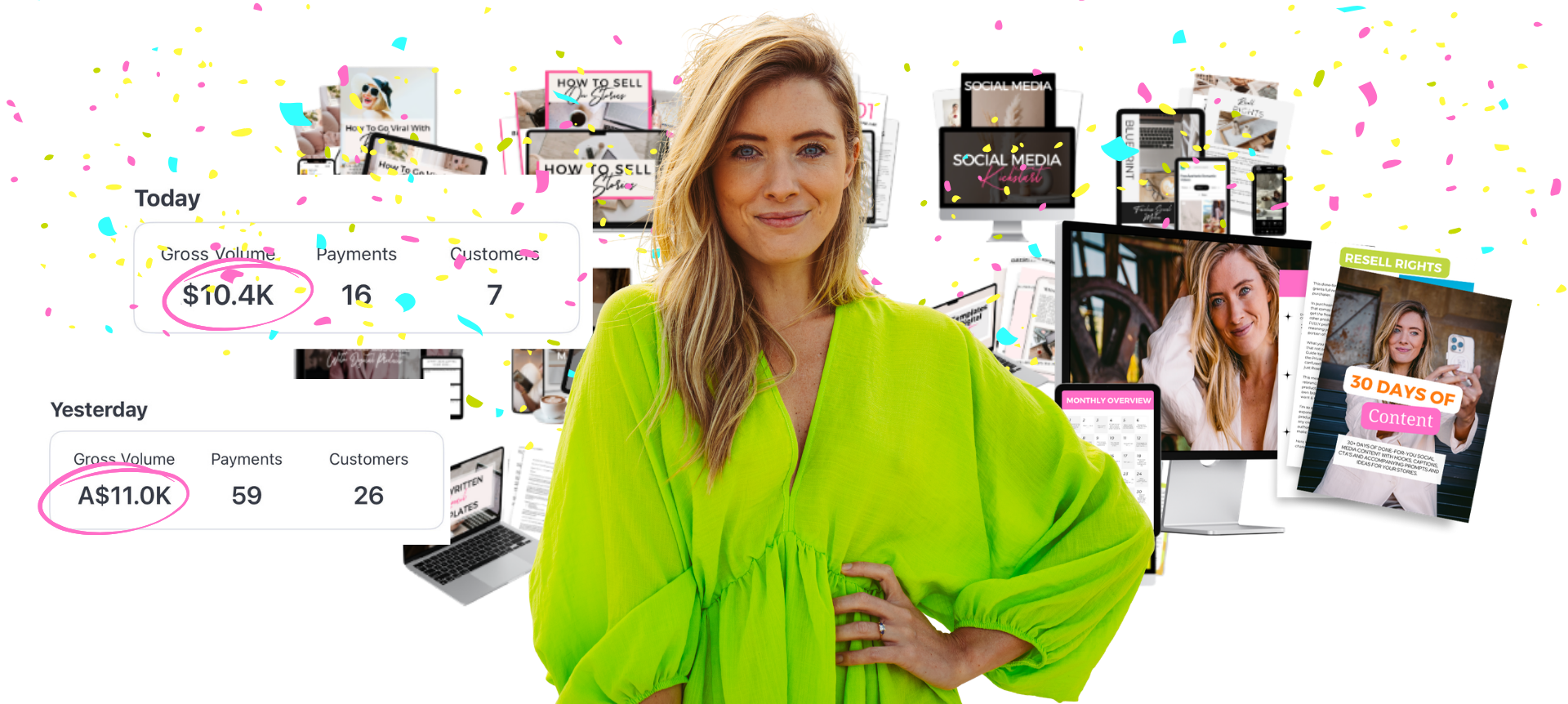
Learn How I Made $10.5K In 4 Days From A Brand New Instagram Account

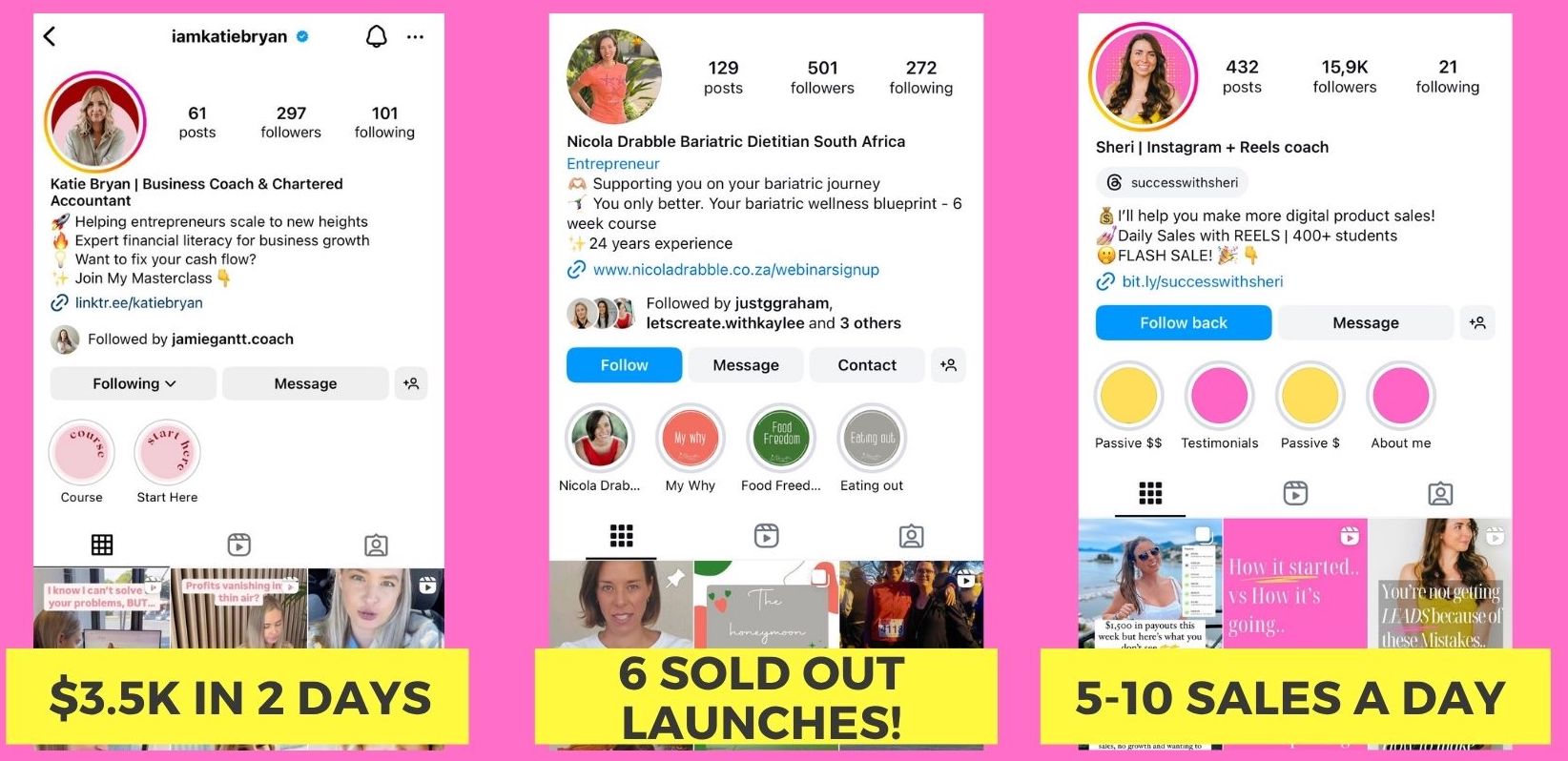
The exact system you can copy to make daily sales with a digital product. A free live training revealing the steps that have helped complete beginners make $3.5K in 2 days, $18K in a first launch, and $185K in 6 months - without a big following, paid ads, or hours of daily content.

You'll walk away with:
✔ The 4-step ZAPO process to find a profitable niche people are already paying for, even in a crowded market
✔ How to create your digital product and sales page in minutes using AI, no tech skills or big budget needed
✔ The 4-step launch strategy to make your first sales online, even with no audience
✔ The exact Pre-Launch → Launch → Scale system to go from your first sale to consistent $10K+ months
Webinar preview
Real Results ★

You don't need a big following to get big results
Student results
© 2026 Lauren Dallas Creator Hub · Free Content