← Back to All Guides
A free guide by Lauren Dallas Instagram

Steal My ChatGPT Prompt For This Viral Flower-Field Effect

You've probably seen this one all over your feed — a giant, dreamy close-up of someone surrounded by oversized flowers, shot from a wild low angle that makes the whole thing feel larger than life. You don't need a field of ranunculus or a macro lens to get it. You need one reference photo and this prompt.

The effect is all in the angle — and the angle is all in the prompt.

This one is built around extreme perspective: the camera sits on the ground looking straight up, flowers crowd every edge of the frame, and your arm stretches toward the lens to exaggerate the scale. Copy the prompt below, swap in your own reference photo, and let the distortion do the rest.
Step 1

Choose Your Reference Photo

Pick a clear, well-lit photo of yourself, ideally one that already shows your face and a light, neutral-toned outfit. This is what the tool will use to keep your likeness consistent in the final image.
Step 2

Copy And Paste The Prompt

Upload your reference photo into your image generator of choice, then paste the prompt below exactly as written.
Copy + paste prompt
Create an ultra-low-angle macro portrait captured from ground level, with the camera pointed straight upward from the center of a dense circle of oversized ranunculus blooms. Massive layers of vivid orange, hot pink, coral, and magenta petals crowd the edges of the frame, surrounding the lens and creating the feeling of standing beneath a towering floral canopy. A smiling woman, matching the appearance of the reference image, leans over the camera and looks directly down into it with a cheerful, genuine expression. Her face becomes the visual focal point while one arm reaches toward and beyond the lens, creating dramatic perspective distortion and exaggerated foreshortening that makes the arm appear unusually long and stretched through the lower portion of the composition. The hand extends outside the visible frame while details such as a bracelet sit farther back and appear smaller due to the perspective. She wears the same light neutral-toned outfit and carries a woven tote positioned behind her. Bright natural sunlight shines through the delicate petals, making them glow with translucent color against a crisp blue sky. The final image should feel immersive, whimsical, and larger-than-life, emphasizing giant flowers, unusual perspective, and the playful distortion created by extreme close-range photography. –aspect ratio 4:5
Step 3

Generate Your Image

Send the prompt and let the tool generate your first version. The exaggerated arm and the ground-level angle are doing most of the "larger-than-life" feeling here, so don't worry if the first result looks a little surreal — that's the effect working.
Step 4

Check Your Likeness And Proportions

Look closely at the face, the outfit colour, and the arm. Extreme perspective shots like this one are more prone to odd hands or warped proportions than a standard portrait, so this is the step worth spending the most time on.
Tip
If something distorts in the wrong way (an extra finger, a melted bracelet, a face that doesn't quite match), describe only that one fix and regenerate rather than starting over from scratch.
Step 5

Save Your Favourite Version

Once the face, outfit and perspective all feel right, save the largest version available and you're ready to post.
Real Talk

The distortion is the point, not a flaw to fix.

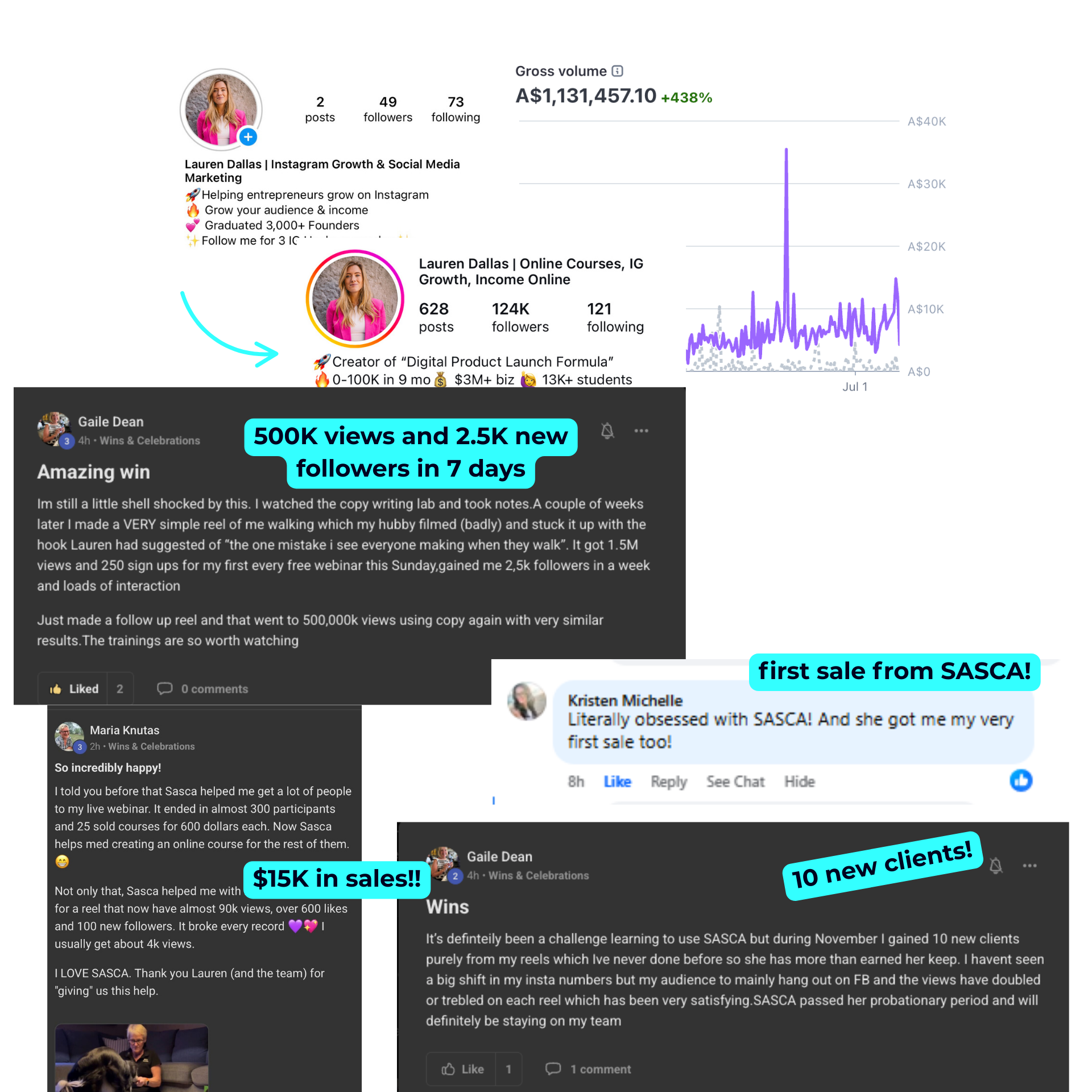
Don't over-correct a slightly stretched arm or an unusually large flower — that's exactly what sells the "standing beneath a floral canopy" illusion. Only fix what actually looks broken (faces, hands, proportions that read as a mistake rather than a style choice). One strong trend shot is a nice win, but a steady stream of scroll-stopping content like it is what actually grows an account — which is exactly what the free training below is built to teach you.
Free Training

How To Create 30 Days Of Content In Just 10 Minutes Using AI

A free 60-minute live training revealing the done-for-you AI system that plans, writes, and schedules your social media automatically — saving you 20+ hours a week, without a VA, agency, or spending all day at your desk. We'll walk through every step live, so you leave knowing exactly how to run it yourself.

You'll walk away knowing:
01 The AI advantage, and why you'll be left behind without it
02 How to delegate 20+ social media tasks without a VA, Canva overwhelm, or ChatGPT confusion
03 How to create a month of content in minutes, live on screen
04 Why "doing it all yourself" is costing you more than you think
Webinar preview
Real Results ★
Student resultsStudent results
© 2026 Lauren Dallas Creator Hub · Free Content