← Back to All Guides
A free guide by Lauren Dallas Instagram

Steal My ChatGPT Prompt For This Festive Mirror Selfie

A cramped elevator, a mirror selfie, and an over-the-top wall of giant metallic "MERRY CHRISTMAS" balloons — this one looks like it took a stylist and a prop budget to pull off. It took one reference photo and this prompt.

The messier the balloons, the more real the photo feels.

This prompt is built to read as a genuine candid, not a studio shoot — tilted letters, squashed balloons, imperfect framing, natural shadows. Copy it below, swap in your own reference photo, and let the "spontaneous" chaos do the work.
Step 1

Choose Your Reference Photo

Use a clear, well-lit photo of your face with no heavy filters. This is what the tool uses to keep your features and likeness consistent in the final image.
Step 2

Copy And Paste The Prompt

Upload your reference photo into your image generator of choice, then paste the prompt below exactly as written.
Copy + paste
Using my uploaded photo as the facial reference, create an ultra-realistic, high-resolution iPhone mirror selfie inside a small modern elevator filled with oversized, glossy metallic red foil balloons spelling "MERRY CHRISTMAS." IMPORTANT: Preserve my exact facial features, face shape, eye colour, skin tone, hair colour, and overall likeness. I must look recognisably like the person in the reference photo. Keep natural skin texture and realistic proportions. Do not beautify, reshape, or alter my face. Scene: A slightly cramped elevator with brushed stainless-steel walls, visible elevator buttons, overhead fluorescent lighting, and a large mirror. Balloons: Giant, shiny red foil letter balloons spelling "MERRY CHRISTMAS," scattered organically throughout the elevator. The letters should overlap, tilt at different angles, and appear slightly squashed against the walls and ceiling. Some balloons sit higher, others hang lower, creating a messy, playful, overflowing Christmas installation. Add a few metallic red heart and Christmas tree balloons. The arrangement should look spontaneous rather than perfectly aligned. Outfit: A chic, oversized cream winter coat with luxurious faux-fur trim, a chunky ivory knitted scarf, and a cosy neutral winter outfit underneath. Stylish, effortless winter fashion. Pose: I'm standing casually in front of the elevator mirror, holding a black iPhone in one hand to take a selfie. My other hand rests naturally in my coat pocket. Relaxed posture, slight head tilt, and a soft, confident expression. Photography style: Authentic candid iPhone photography, realistic reflections, natural shadows, subtle grain, slightly imperfect framing, and detailed metallic balloon textures. Fashion influencer aesthetic, not a polished studio photoshoot. Format: Vertical 9:16, ultra-high resolution. Do not add: Text overlays, watermarks, logos, artificial-looking skin, distorted hands, extra fingers, or perfectly arranged balloons.
Step 3

Generate Your Image

Send the prompt and review your first version. Mirror selfies ask a lot of an image generator at once — a reflected hand, a held phone, balloon text — so don't be surprised if it takes a couple of tries to land everything together.
Step 4

Check The Details That Usually Slip

Look closely at three things first: the balloon letters (do they actually spell "MERRY CHRISTMAS" correctly?), the hand holding the phone, and your face in the mirror versus your body in the room. These are the spots most likely to come out slightly wrong.
Tip
If the balloon spelling is off or a hand looks distorted, describe only that one fix and regenerate rather than starting over from scratch.
Step 5

Save Your Favourite Version

Once your face, the balloon wall and your outfit all feel right, save the largest version available and you're ready to post.
Real Talk

Don't tidy up the chaos — it's doing the work.

The prompt specifically asks for tilted, overlapping, squashed balloons because that's what makes the scene read as real rather than staged. Only fix what actually looks broken (a warped hand, a misspelled letter) — not the mess itself. One standout festive shot is a great seasonal post, but a steady supply of content like it all year round is what actually grows an account, which is exactly what the free training below is built to teach you.
Free Training

How To Create 30 Days Of Content In Just 10 Minutes Using AI

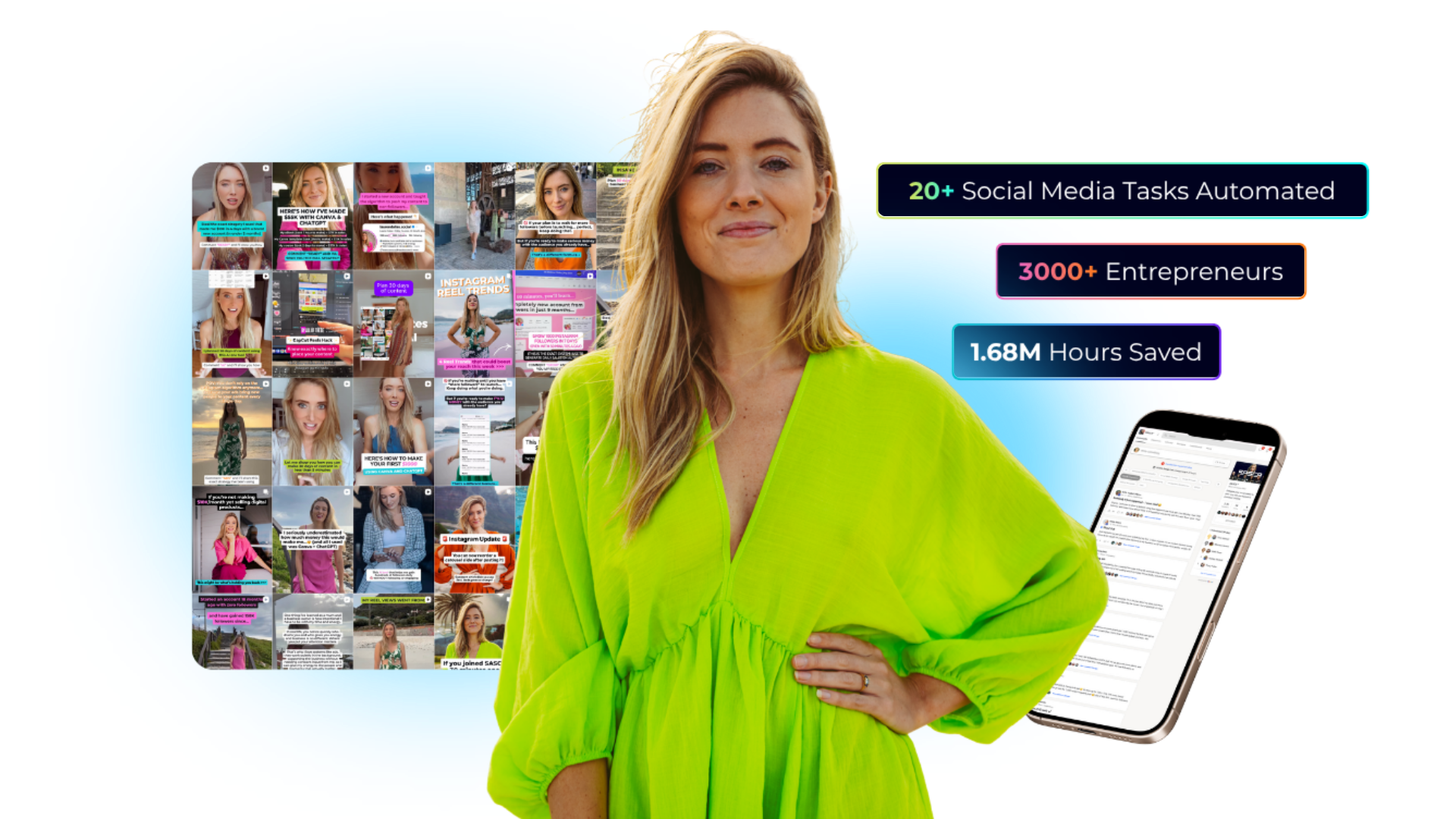
A free 60-minute live training revealing the done-for-you AI system that plans, writes, and schedules your social media automatically — saving you 20+ hours a week, without a VA, agency, or spending all day at your desk. We'll walk through every step live, so you leave knowing exactly how to run it yourself.

You'll walk away knowing:
01 The AI advantage, and why you'll be left behind without it
02 How to delegate 20+ social media tasks without a VA, Canva overwhelm, or ChatGPT confusion
03 How to create a month of content in minutes, live on screen
04 Why "doing it all yourself" is costing you more than you think
Webinar preview
Real Results ★
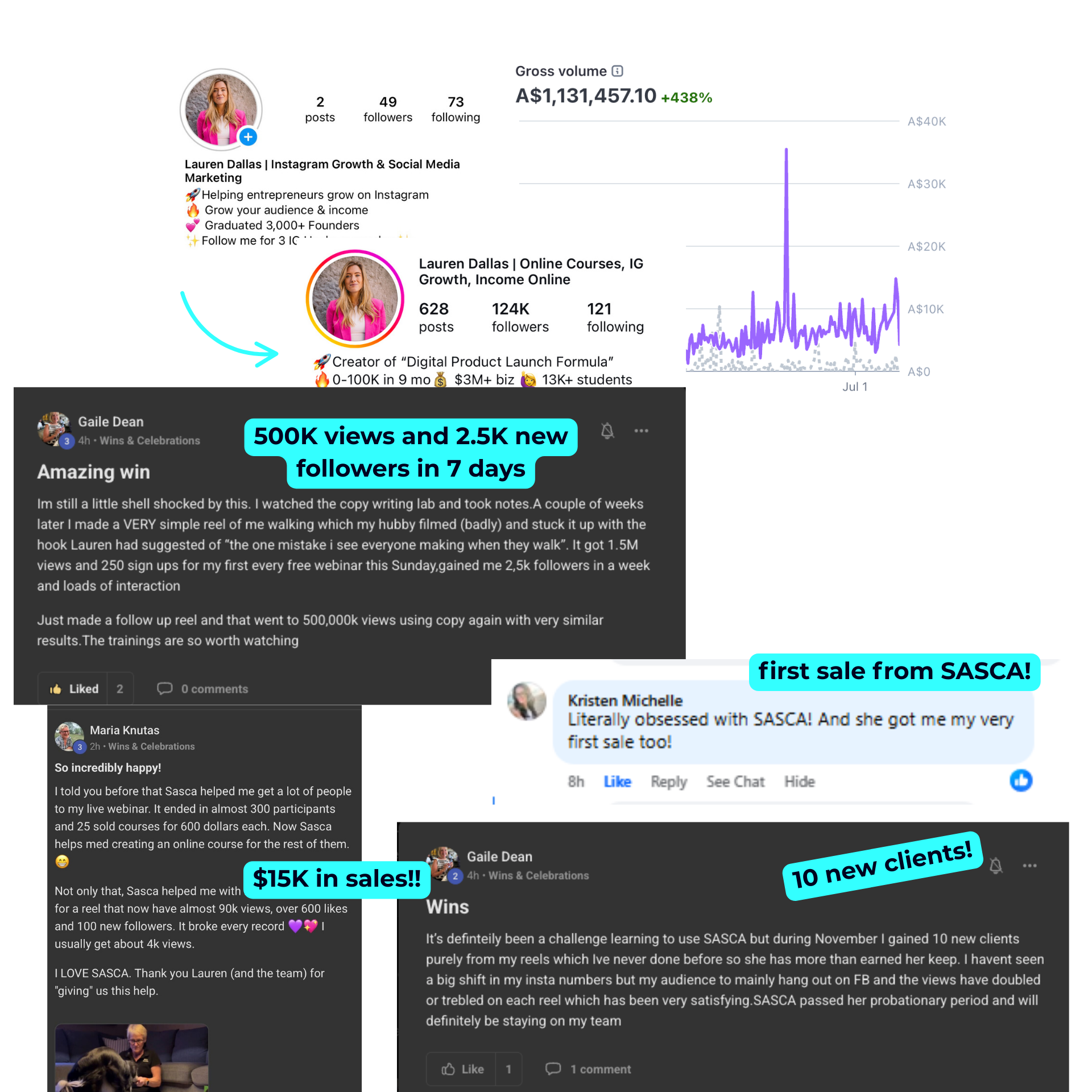
Student resultsStudent results
© 2026 Lauren Dallas Creator Hub · Free Content