← Back to All Guides
A free guide by Lauren Dallas Instagram

How To Create The Viral Sticker Peel Effect ✨

You've probably seen the sticker peel effect popping up all over your feed — and the good news is, it looks way more complicated than it actually is. With one photo, one prompt and AI, you can turn a static image into a realistic sticker-peel animation in just a few steps.

One photo. One prompt. No footage filmed.

This one lives entirely in Higgsfield - upload, paste the prompt, generate. Here's the full build.
Step 1

Upload Your Image

Open Higgsfield and upload the photo you want to animate.
Photo Tip
Choose an image where you're clearly visible and separated from the background. This gives AI a cleaner subject to "peel" from the image.
Step 2

Add Your Prompt

Paste the prompt below into Higgsfield. You can also customise details like the direction of the peel, where the hand enters from, or how the sticker moves.
Copy + Paste Prompt
Scene opens on a photorealistic still using the image reference. A hand enters frame from the left and pinches the person at the top-left corner as if holding a 2D sticker. The sticker is peeled diagonally from top-left to bottom-right and remains in one piece. The background remains the same. The hand brings the sticker forward toward the camera, keeping the same scale as the person with a gentle wobble. Camera position is fixed. Lighting and materials remain photorealistic. Audio: sticker and scrapbook peel sounds over ambient white noise.
Step 3

Generate Your Video

Hit Generate and let AI do its thing. Once it's finished, download your favourite result - you've got a scroll-stopping Reel without filming a single piece of footage.
Bonus Tip
Try the same prompt with a few different photos. Small changes in pose, background and composition give you completely different results - perfect for creating multiple pieces of content from images you already have.
Real Talk

Three steps. Zero filming.

This is the whole appeal of trends like this one - the effort moved from "set up a shoot" to "pick the right photo." The real skill now isn't production, it's knowing which prompt gets you which trend.

You can learn more how to use AI to save yourself time in this free training where I share how I use AI to create 30 days of content in 10 minutes.👇
Free Training

How To Create 30 Days Of Content In Just 10 Minutes Using AI

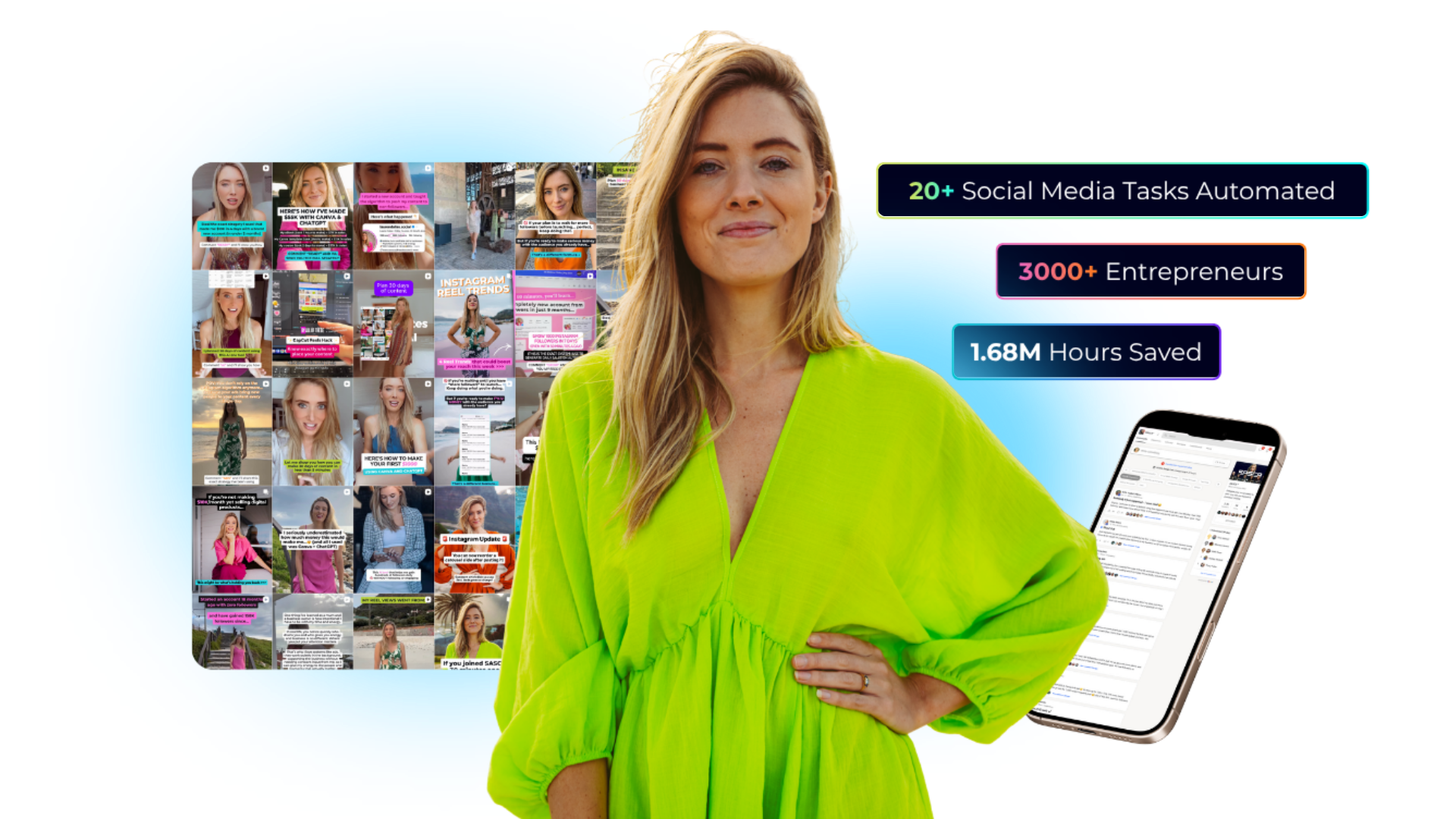
A free 60-minute live training revealing the done-for-you AI system that plans, writes, and schedules your social media automatically - saving you 20+ hours a week, without a VA, agency, or spending all day at your desk. We'll walk through every step live, so you leave knowing exactly how to run it yourself.

You'll walk away knowing:
01 The AI advantage, and why you'll be left behind without it
02 How to delegate 20+ social media tasks without a VA, Canva overwhelm, or ChatGPT confusion
03 How to create a month of content in minutes, live on screen
04 Why "doing it all yourself" is costing you more than you think
Webinar preview
Real Results ★
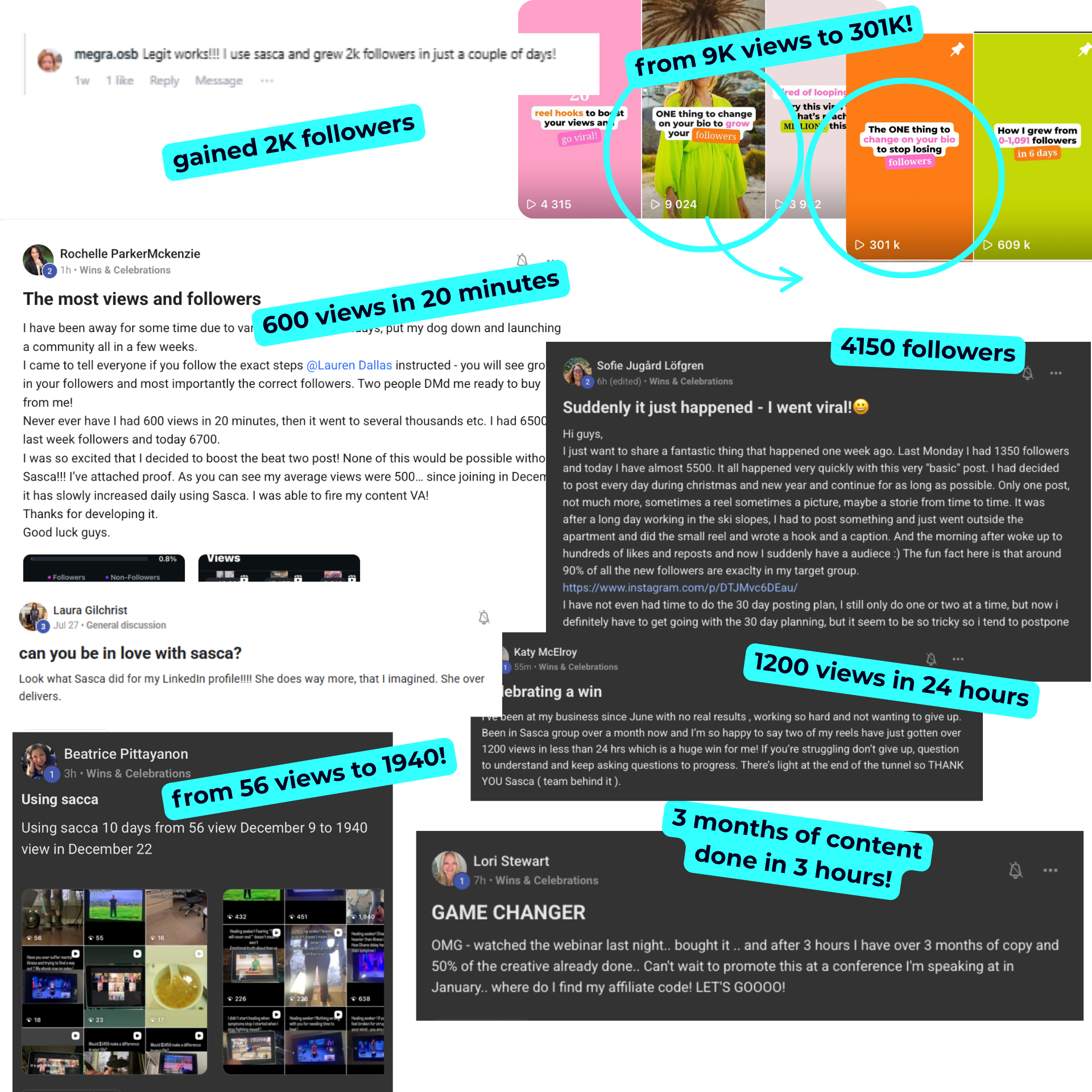
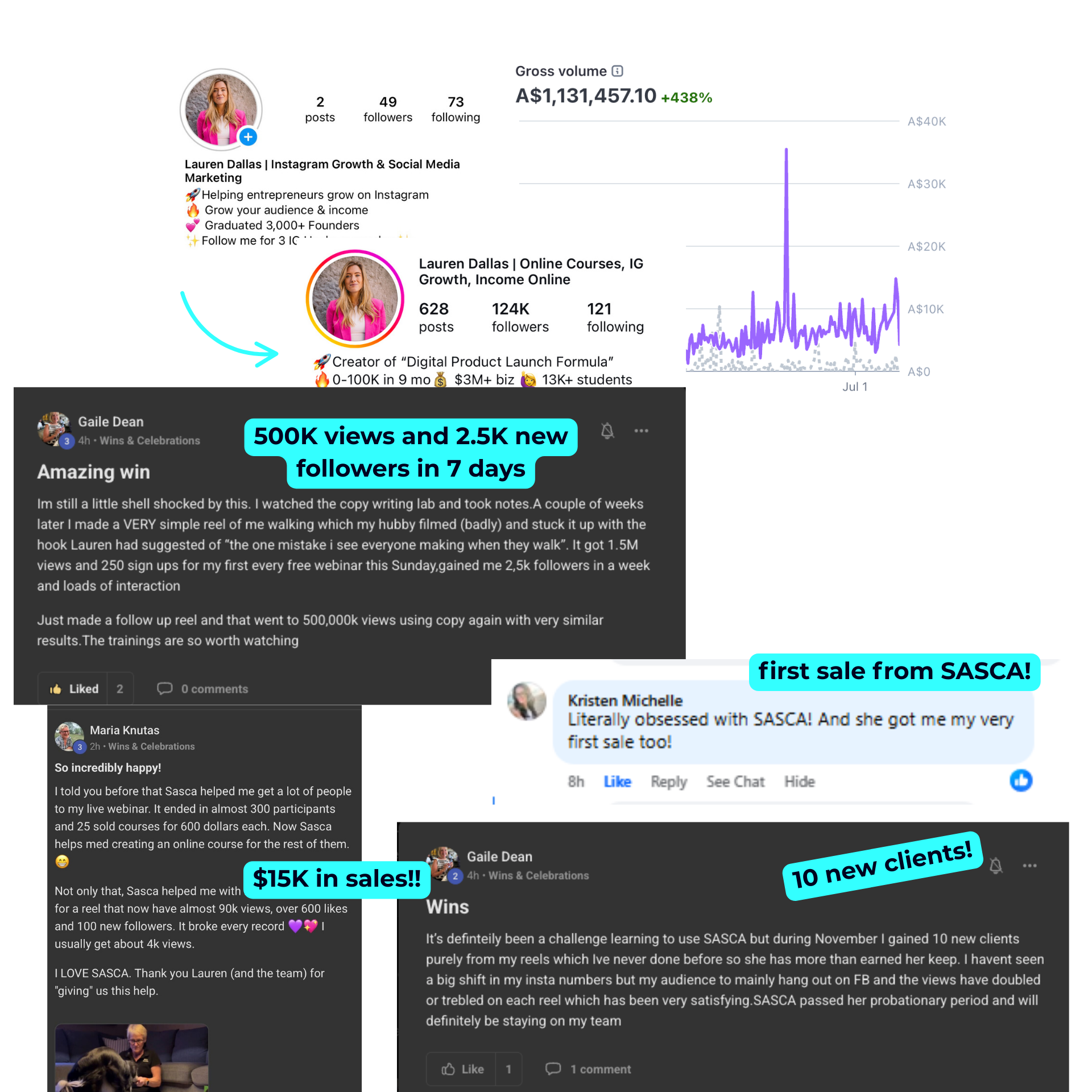
Student resultsStudent results
© 2026 Lauren Dallas Creator Hub · Free Content