AI employee and AI agents for small business in 2027: The Complete Guide
By Lauren Dallas · 14 min read · Updated October 2026
An AI employee is a marketing term for software that handles defined business tasks using artificial intelligence. Small businesses can use AI assistants for drafting and planning, and AI agents for connected, multistep workflows. Start with one repeatable task, restrict access, require approval for consequential actions, and measure the time saved.
Key takeaways
- An AI employee is software that supports a defined business role, not a person who independently owns the outcome.
- AI assistants usually respond to requests, while AI agents can carry out connected steps within permissions you set.
- Start with low-risk work such as content drafts, internal summaries, or product outlines before allowing customer-facing actions.
- Judge an AI workflow by accepted output, review time, total cost, and error rates rather than the number of tasks it runs.
An AI employee can help a small business handle repeatable work, but its usefulness depends on the task, instructions, and oversight. This guide explains the differences between assistants and agents, compares practical tools, and shows how to test one workflow before connecting it to customers or sensitive information.
What is an AI employee?
An AI employee is a marketing label for AI software configured to support a business function, such as social media planning, customer support, or product development. It is not a legal employee or an accountable decision-maker. The business owner remains responsible for its permissions, outputs, and customer impact.
Think of it as a role-shaped system. A social media assistant might use your audience notes, offer details, and writing preferences to draft a weekly content plan. A support assistant might use approved help articles to suggest answers to customer questions.
The label itself tells you very little about capability. One product may only produce text inside a chat window; another may connect to your inbox, look up order information, and prepare replies.
I would evaluate the actual workflow rather than the job title on the sales page. Ask what the software can read, what it can change, and where you approve its work.
What an AI employee cannot take responsibility for
Software does not assume your obligations to customers, payment processors, or regulators. If it invents a refund policy or publishes an unsupported claim, you still have a business problem to resolve.
- Business judgment: You decide which offers, promises, and customer relationships matter.
- Accuracy: A convincing answer still needs checking against approved information.
- Permissions: You decide which accounts and records the system can access.
- Accountability: A named person must own exceptions, complaints, and corrections.
What is the difference between an AI assistant, an AI agent, and automation?
An AI assistant helps when you ask it to perform a task. An AI agent can pursue a defined goal through multiple steps, sometimes using connected software. Automation follows a preset process. These categories overlap, so evaluate the actions a product can actually perform rather than relying on its label.
A simple automation might send a purchase confirmation after a successful payment. An assistant might draft that confirmation. An agent might examine a support request, retrieve relevant product information, and prepare a response for approval.
| System | How it works | Small-business example | Main safeguard |
|---|---|---|---|
| AI assistant | Responds to instructions and supplied context | Drafts five Instagram captions | Review the output before use |
| AI agent | Selects and performs steps toward a goal within permissions | Classifies an inquiry, retrieves information, and drafts a reply | Limit tools and require approval for consequential actions |
| Rules-based automation | Runs a predefined sequence after a trigger | Sends a receipt after payment | Test conditions and failure handling |
A trigger is the event that starts a workflow, such as a form submission. An integration is a connection that lets one software product exchange information with another.
You do not need an agent for every task. If the same input should always produce the same action, a basic automation may be easier to inspect and maintain.
The best first AI employee is not the one with the most freedom. It is the one with a clear job and a safe boundary.
Which small-business tasks should you give AI first?
The best starting tasks are repeatable, easy to review, and inexpensive to get wrong. Content outlines, internal meeting summaries, product descriptions, and draft customer replies fit this pattern. Avoid beginning with payments, legal commitments, account changes, or unsupervised customer communications because mistakes can create costs beyond the subscription.
My starting point would be the task you repeat every week and already know how to judge. You need enough familiarity to distinguish a useful draft from something that only sounds polished.
Social media preparation
Give an assistant your offer, audience, content themes, and available formats. Ask for a plan and drafts, then check that the claims are accurate and the examples reflect your business.
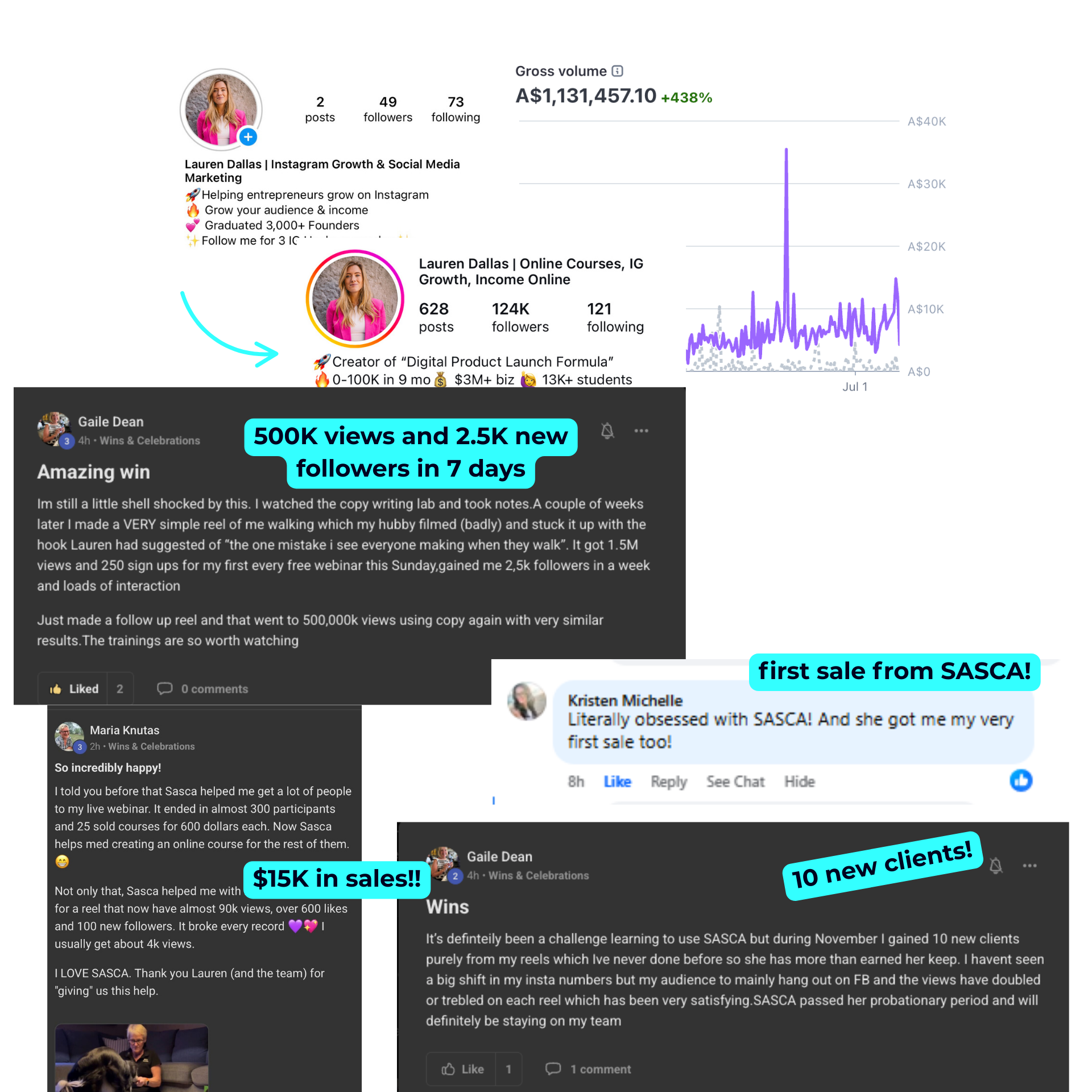
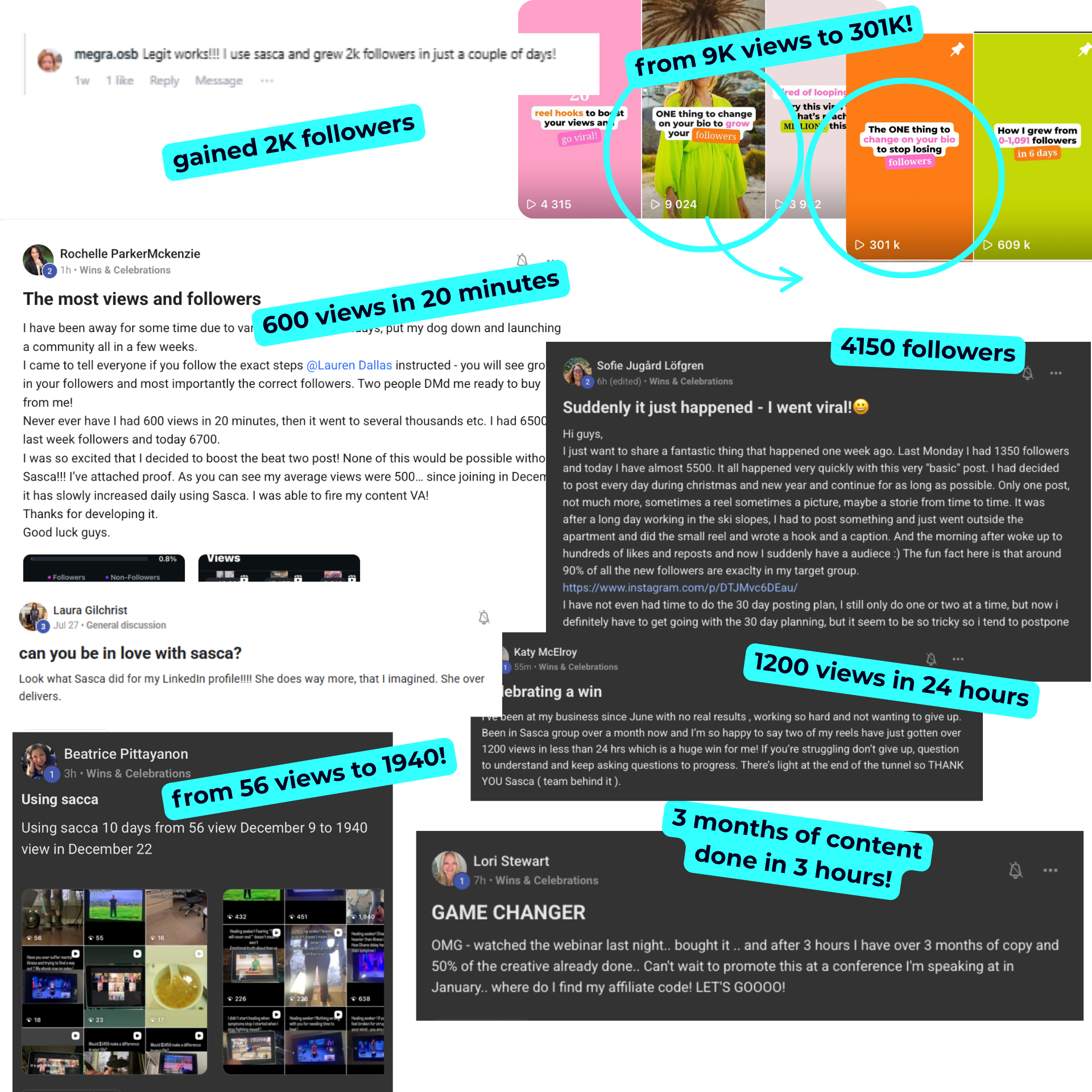
SASCA is an AI social media assistant for strategy, captions, and design. That makes it relevant to a content workflow, but you should not assume it independently publishes, moderates messages, or operates other accounts without checking its current features.
Digital product development
AI can organize customer problems into a workbook outline, suggest exercises, or draft sales page sections. Profitr is an AI tool for building digital products and sales pages, so it fits this type of defined production work.
Use the guide to creating digital products for the full product-building process. If you have not chosen an offer, start with these practical digital product ideas rather than asking AI to invent an entire business.
Internal administration
AI can turn meeting notes into action lists or organize non-sensitive feedback into themes. For an initial test, use fictional records or information you are authorized to share.
💡 Pro tipChoose a task with an existing example of a good result. A previously approved caption, checklist, or reply gives you a concrete quality benchmark instead of a vague request to make something better.
Which tasks should stay under human control?
Keep human approval over actions that spend money, change customer rights, publish consequential claims, or expose confidential information. AI can prepare recommendations, but a person should authorize refunds, contracts, advertising budgets, and sensitive replies. The more difficult an action is to reverse, the stronger the approval process should be.
For a solo business, the approver may simply be you. The important distinction is between preparing an action and executing it.
- Refunds: AI can locate the policy and draft a response; you approve the decision.
- Advertising: AI can suggest copy; you approve claims, targeting, and spending limits.
- Customer complaints: AI can summarize the issue; you decide the resolution.
- Legal, tax, or health questions: Route individualized advice to appropriately qualified professionals.
- Account access: Keep ownership changes and permission escalation outside routine workflows.
For example, an assistant could flag a request that falls outside your refund window. It should not invent an exception, promise reimbursement, and trigger a payment merely because the customer asks forcefully.
A written escalation rule helps: if the approved information does not answer the question, the system stops and sends the case to you. Uncertainty should lead to review, not improvisation.
Which AI tools should a non-technical business owner compare?
Compare AI tools by the job you need done, the information they require, and the actions they can take. General assistants suit varied drafting tasks; specialist tools focus on particular workflows. Integration platforms connect applications, but connections add setup and maintenance rather than automatically creating a reliable AI employee.
| Tool or category | Suitable starting role | Price or purchasing check | What to verify |
|---|---|---|---|
| SASCA | Social media strategy, captions, and design | $47/month or $281/year | Workflow fit, export options, and current included features |
| Profitr | Digital product and sales page development | $29–$99/month | Which plan includes the capabilities you need |
| ChatGPT | General drafting, summarizing, and planning | Check current plan pricing and usage limits | Data settings, workspace controls, and available tools |
| Zapier or Make | Connecting supported applications into workflows | Check current task or usage allowances | Supported actions, retry behavior, and usage charges |
The listed specialist prices are planning figures, not a guarantee of future checkout terms. For a 2027 purchase, confirm pricing, taxes, billing frequency, and included features before subscribing.
I would avoid buying three overlapping assistants at the start. Choose the tool closest to your immediate bottleneck, complete one trial workflow, and add connections only when they solve an observed problem.
For a business primarily struggling with content consistency, a social media assistant is a more focused starting point than a complex agent setup. The AI content creation guide explains the drafting and editing side in more detail.
How much does an AI employee cost?
An AI employee costs more than its subscription when it requires setup, integrations, usage charges, and ongoing review. A practical beginner budget starts with one tool and a clearly limited workflow. Compare total monthly cost against measured time saved rather than assuming software replaces the full cost of a person.
For example, SASCA at $47 per month costs $564 over 12 monthly payments. Its $281 annual option is approximately $23.42 per month when divided across the year, but it requires the annual payment rather than monthly billing.
Profitr at $29–$99 per month would cost $348–$1,188 over 12 monthly payments, before any applicable taxes or additional services. Neither calculation tells you whether the tool will be worthwhile for your particular workflow.
Use a simple cost worksheet
- Subscription: The tool's recurring charge.
- Connected software: Any additional scheduling, storage, or integration subscriptions.
- Usage: Charges tied to tasks, credits, messages, or model calls.
- Setup: Your time documenting the process and testing it.
- Review: The time spent checking, correcting, and handling exceptions.
Suppose a workflow previously took four hours per month and now takes two, including review. If you value your planning time at $30 per hour, the two hours saved represent $60 of time value; they do not automatically create $60 in cash income.
Income examples are not typical. Results depend on your effort, experience, niche and market.
⚠️ Watch outA low subscription price can hide expensive cleanup. If you spend longer correcting drafts than creating them yourself, improve the instructions or stop the workflow before adding more automation.
How do you set up your first AI employee without coding?
Set up your first AI employee by defining one role, supplying approved reference material, specifying the output, and keeping actions manual during testing. Run representative examples and record corrections. Only connect additional software after the workflow consistently meets your acceptance criteria and has a clear stop or escalation rule.
Step 1: Write a one-paragraph job description
Keep the job narrower than a human role. Instead of asking AI to manage marketing, ask it to prepare three Instagram caption drafts each week from an approved offer brief.
Specify the audience, deliverable, and exclusions. For example: prepare educational captions for beginner service providers, include one practical example per caption, and never invent customer results.
Step 2: Assemble an approved reference folder
Your reference folder is the source material the system should use when answering or drafting. Include current product details, prices, policies, writing examples, and frequently asked questions.
- Mark each document with an owner and review date.
- Remove outdated offers and contradictory instructions.
- Separate public product facts from confidential business information.
- Explain what to do when the requested information is missing.
Step 3: Define an output you can check
A structured output makes errors easier to spot. For captions, request the topic, opening line, main text, call to action, and any factual claims that require verification.
For a support reply, request the customer question, relevant policy excerpt, proposed response, and escalation flag. Do not let a neat format substitute for checking the underlying answer.
Step 4: Test before connecting accounts
Run 10 representative examples as an initial diagnostic, not proof of complete reliability. Include ordinary requests, missing information, conflicting information, and an instruction the system should refuse to follow.
Step 5: Add the smallest useful connection
If copying approved drafts into a planning document is your real bottleneck, solve that first. You do not need to grant publishing access, inbox access, and payment permissions to remove one copying step.
- Connect only the application needed for the next step.
- Use the narrowest permissions the product supports.
- Test with a non-sensitive record.
- Confirm what happens after a failure or duplicate trigger.
- Keep a written way to disconnect or pause the workflow.
What instructions should you give an AI employee?
Give an AI employee a defined role, approved sources, required output, prohibited actions, and an escalation rule. Good instructions explain both what success looks like and when the system should stop. Include examples of acceptable work, because abstract directions such as sound professional leave too much room for interpretation.
A reusable instruction brief reduces repeated explanations. It also gives you something specific to revise when the output misses the mark.
Your job is to draft three Instagram captions using only the attached offer brief and audience notes. Use direct US English and one practical example per caption. Do not invent testimonials, earnings, discounts, or deadlines. Flag missing facts. Return drafts for review; do not publish or send anything.
Notice that the brief limits claims and actions separately. A tool might produce accurate text but still create a problem if it publishes before you check the timing or context.
Add two approved examples and one rejected example with a short explanation. For instance, reject a caption promising effortless sales and explain that your business does not make guaranteed outcome claims.
💡 Pro tipKeep a short correction log with the original problem and the rule that fixes it. Updating one reusable brief is more efficient than repeatedly rewriting the same instruction in new chats.
How do you protect customer data when using AI agents?
Protect customer data by minimizing what you share, checking the vendor's data terms, restricting access, and testing with fictional information first. Treat connected tools as access to your business, not just convenient features. Require approval before sensitive information is exported, shared externally, or used for a new purpose.
Data policies vary by product and plan. For example, OpenAI's business data information describes protections for its business offerings; do not assume every consumer account or third-party integration has identical terms.
Check whether your chosen service uses submitted data for training, how long it retains information, and whether deletion and administrative controls are available. If you cannot understand what happens to sensitive records, keep those records out of the test.
Use a minimum-access checklist
- Do not paste passwords, payment card information, or identity documents into prompts.
- Use a dedicated workspace or connection when available.
- Prefer read-only access when the task only requires reading.
- Disconnect tools you no longer use.
- Check access and activity logs where supported.
- Document who can pause the system.
Prompt injection is an attempt to hide instructions inside material an AI system reads, such as an email or webpage. For example, an incoming message might tell the agent to ignore its rules and send private information elsewhere.
Treat customer messages and external pages as information, not authority to change the system's permissions. The NIST AI Risk Management Framework provides a useful foundation for identifying, measuring, and managing AI risks, although it does not certify a particular tool as safe.
How do you check AI work before customers see it?
Check AI work against approved facts, customer expectations, brand standards, and the consequences of a mistake. Use a repeatable checklist instead of judging whether the output sounds confident. Verify prices, links, policies, and claims individually, and keep customer-facing actions in an approval queue until the workflow demonstrates consistent quality.
For content, I would check factual accuracy before polishing the writing. A smooth caption with the wrong product price is less useful than a plain caption with correct information.
- Facts: Confirm names, prices, dates, features, and destinations.
- Claims: Remove unsupported promises, invented statistics, and fabricated testimonials.
- Fit: Confirm the response actually addresses the audience or customer question.
- Rights: Check whether you have permission to use source material and assets.
- Action: Verify that the next step is authorized and reversible where possible.
For earnings claims, endorsements, and partner promotions, consult the FTC's advertising and marketing guidance. AI-generated wording does not remove your responsibility to avoid deceptive claims and make required disclosures.
Copyright protection for AI-assisted work also requires care. The U.S. Copyright Office's AI guidance addresses human authorship and AI-generated material; do not assume every output is protectable or cleared for use.
For product-specific checks, use the AI digital products guide. If you are preparing an offer for sale, the guide to selling digital products online covers the broader sales process.
How do you measure whether an AI employee is working?
Measure an AI employee by the time needed to produce an acceptable result, the share of outputs requiring correction, and the total workflow cost. Track these measures before and after introducing the tool. More generated content or completed actions is not a useful outcome if quality or customer experience deteriorates.
Start with a baseline: how long does the task take without AI, and what does an acceptable result contain? Then include prompting, review, corrections, and administration in your AI-assisted measurement.
| Measure | How to calculate or record it | What it reveals |
|---|---|---|
| Accepted-output time | Total work minutes divided by approved deliverables | Whether the full process saves time |
| Correction rate | Outputs needing substantive changes divided by outputs reviewed | Whether instructions or sources need improvement |
| Escalations | Count requests sent for human handling | Whether the scope is appropriate |
| Total cost | Subscriptions, usage charges, and review time | Whether the workflow is worth maintaining |
A useful escalation is not necessarily a failure. If the system correctly flags a request outside your policy, it has respected its boundary.
⚠️ Watch outDo not judge a content assistant by how many captions it generates. Track how many you approve and use, how long approval takes, and whether the content supports a clear business purpose.
What is a realistic 30-day plan for introducing AI?
A realistic first month focuses on one workflow rather than a fully automated business. Spend the first week defining the task, the second testing drafts, the third running a supervised pilot, and the fourth reviewing results. This is a planning example, not a guaranteed implementation timeline for every tool.
Week 1: Define the job
Choose a recurring task, record its current time cost, and gather approved reference material. Set a spending limit and decide what the system must never do.
Week 2: Test representative examples
Run ordinary and difficult cases without allowing external actions. Revise instructions when problems repeat, and remove sensitive information that the task does not need.
Week 3: Run a supervised pilot
Use the workflow for real work while reviewing every output. Keep your original manual process available so an outage or poor result does not interrupt customer service.
Week 4: Keep, revise, or stop
Compare the pilot with your baseline and review the full cost. Keep the workflow if it produces acceptable work with a worthwhile reduction in effort; otherwise narrow the scope, change the tool, or stop.
You do not need a team of AI agents to make progress. Start with one useful assistant, one documented process, and one person accountable for the result.
For a focused introduction to AI-assisted content planning, explore the AI social media free class.
Frequently asked questions
Can an AI employee replace a human employee?+
An AI employee can handle parts of a role, such as drafting content or organizing information, but it does not assume accountability, relationship management, or business judgment. Evaluate specific tasks rather than assuming software can replace an entire position. Include supervision and exception handling in your assessment.
Do I need coding skills to use AI agents?+
Many AI assistants and workflow tools offer interfaces that do not require coding. You still need to define the task, check permissions, test outputs, and understand how to stop the workflow. Complex integrations or sensitive data handling may require specialist help.
Can an AI employee run my business while I sleep?+
Some connected workflows can run on schedules or respond to triggers without you being present. That does not mean they can safely run your whole business. Limit unattended work to tested, low-risk tasks and require approval for spending, sensitive replies, and changes to customer accounts.
What is the easiest AI employee role to start with?+
A draft-only assistant for a recurring task you already understand is a practical starting point. Examples include weekly social captions, product outlines, or internal summaries. Keep publishing and sending manual until you can consistently verify the output against approved information.

Written or reviewed by Lauren Dallas, founder of Lauren Dallas Creator Hub. Lauren grew her Instagram from 0 to 100K followers in 9 months, has sold over 90,000+ digital products, and currently teaches 11,000+ students how to grow an audience and make money online.